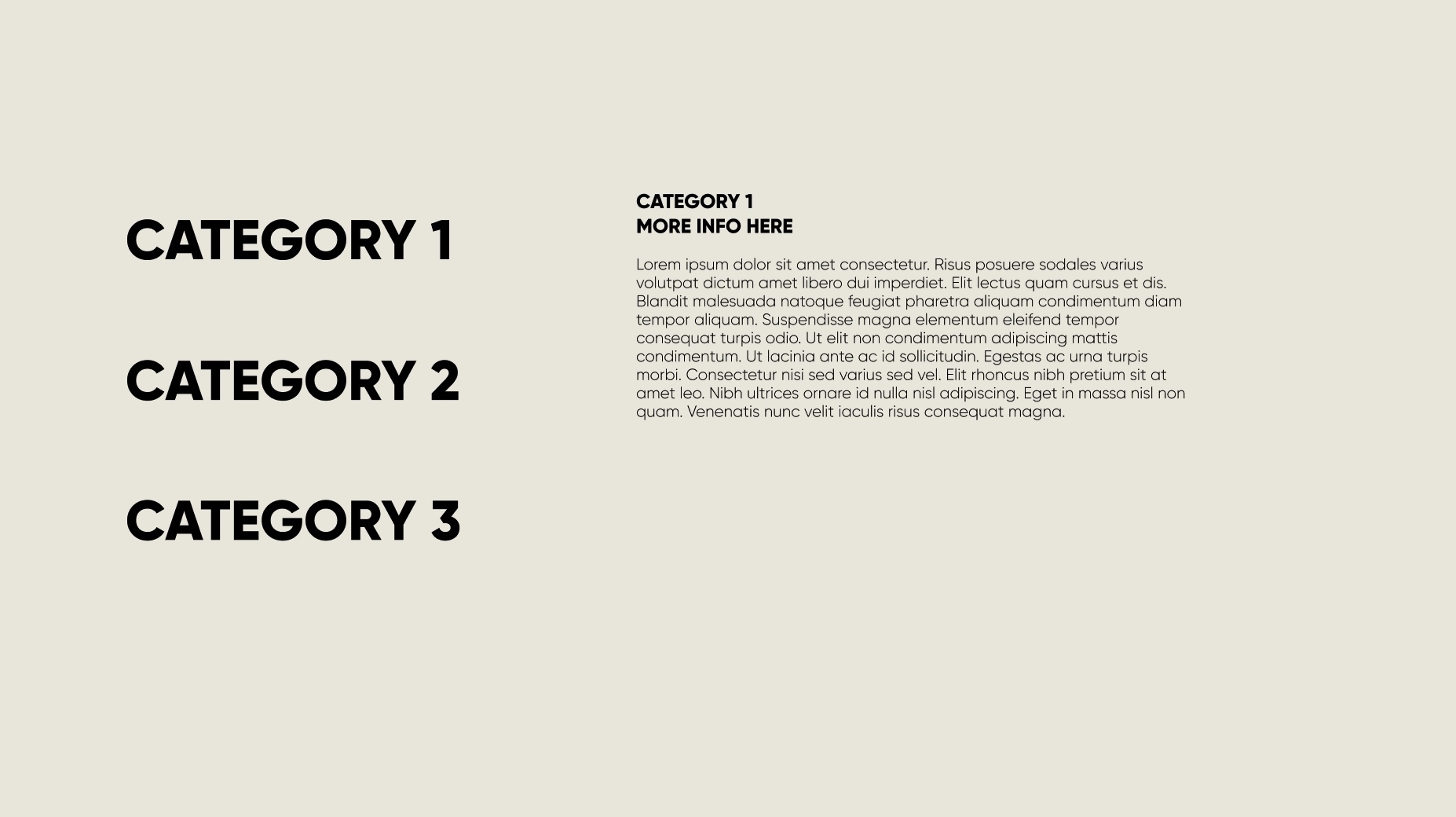
Looking to click on a text category and more info pops up on the right
Hello! I’m new to Figma so excuse me if this is a silly question, but I can’t seem to figure this out. Essentially I am making a presentation and I want the viewer to click a category then text with more information appears on the right. I was able to do an accordion menu from a template, but the drop-down doesn’t work as well as I’d like for this particular layout. I have an example of what I’m looking for below. You see categories all on their own on the right and then if I were to click one of them, I’d want text to appear on the right. Then if I click the same category header, the text would disappear.
Essentially it’s the same as an accordion except instead of dropping down, it appears on the right. I tried moving the text layer in the accordion template, but it seems constrained to the boxes so I’m stumped!
Thank you for your time 🙂