Question
Distribution of object in circle
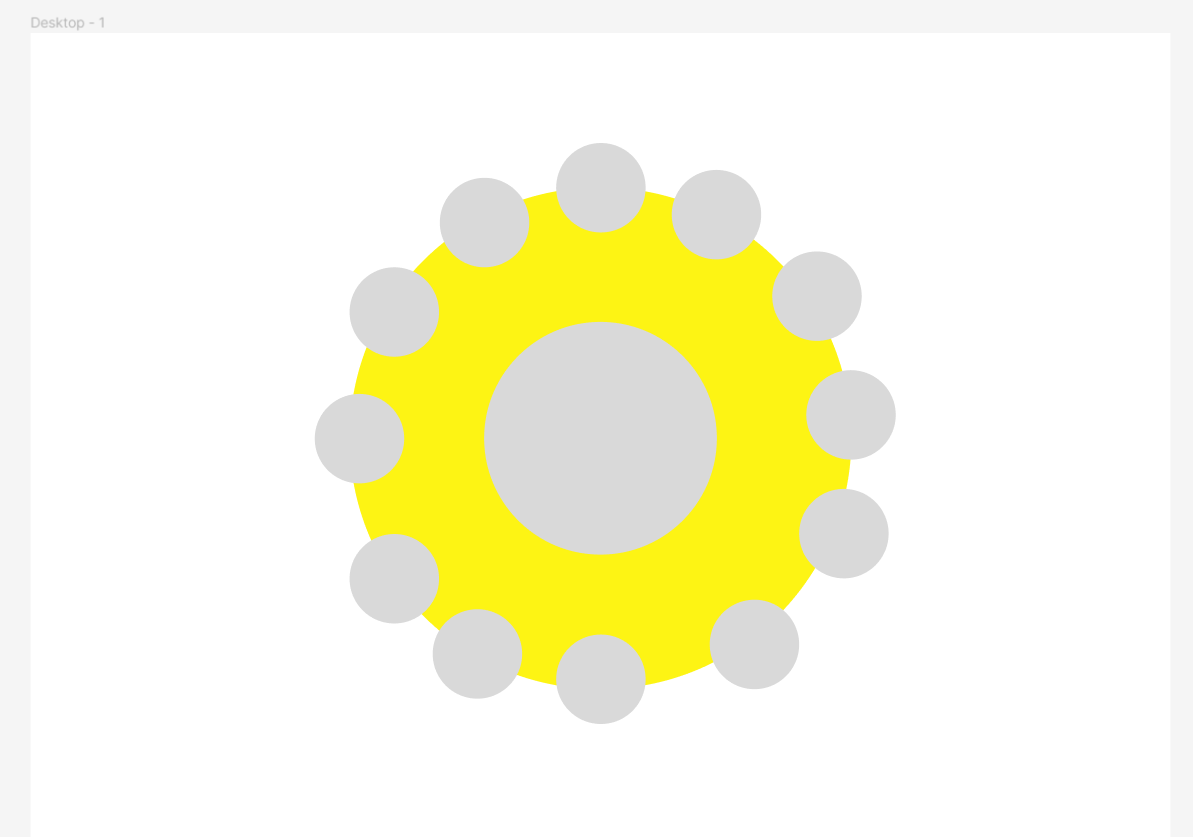
Hello! Does anyone know how to distribute object equally in circle. For example the small circle on the big circle on the picture uploaded ?

Hello! Does anyone know how to distribute object equally in circle. For example the small circle on the big circle on the picture uploaded ?
Enter your E-mail address. We'll send you an e-mail with instructions to reset your password.