Question
Converting Text with stroke to SVG
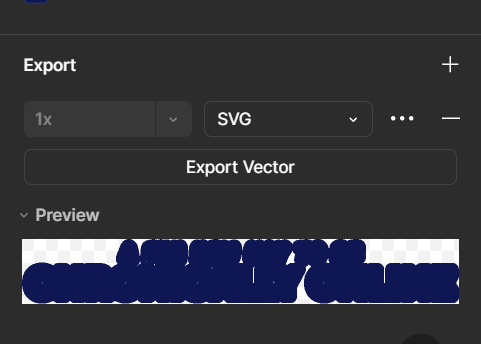
I’m trying to export some text into SVG, but the text also has some pretty thick borders on them, as well as a drop shadow. We are trying to figure out a way to display this text on a website without it being blurry or having the spiky effect on the stroke, so hence we’re trying to get an SVG.

Unfortunately it seems only the stroke is being exported? Any way we can have the whole thing export together?