

[BUG] Slot content breaks width on click after reload
!-->
I have finally managed to reproduce this issue.
When you have a component with a slot. You can use an instance of that component, add subcomponents to the slot and adjust the width of the subcomponents. But on tab reload, when clicking that width adjusted subcomponent, the width resets to it's last known size before you adjusted it.
This can be reproduced in different ways. I created two demos.
Demo using pre-filled subcomponents:
- Create a list-item component
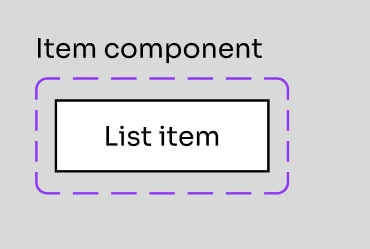
- Create main list component, which has a slot with the list-item pre-filled.
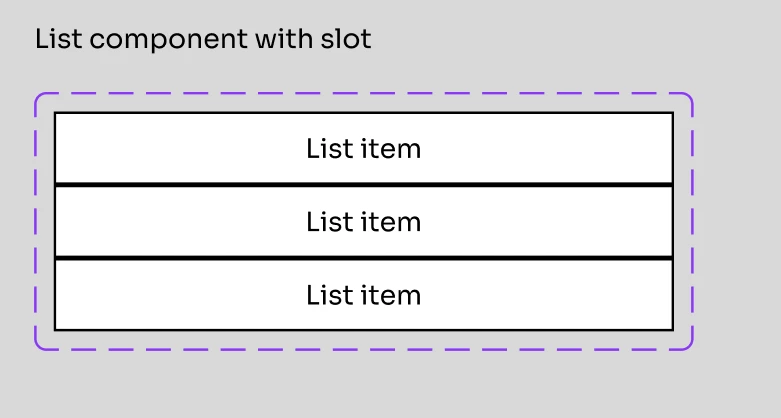
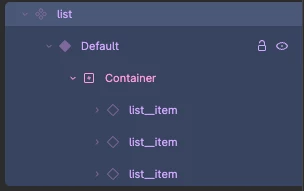
- Create an instance of the list component and adjust the width of an item. (In my case fixed 150px)
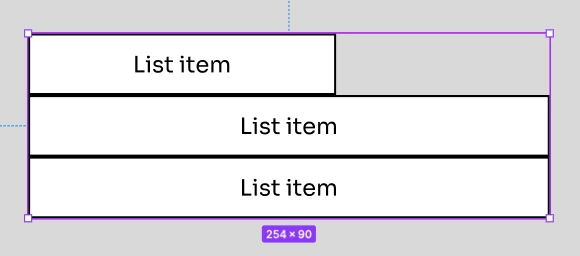
- Reload tab
- Click item in component instance again and see sizing break
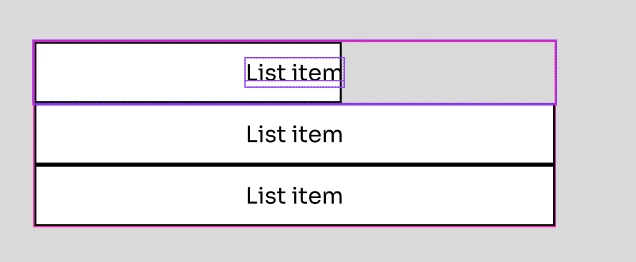
Demo using empty slot:
- Create list-item component
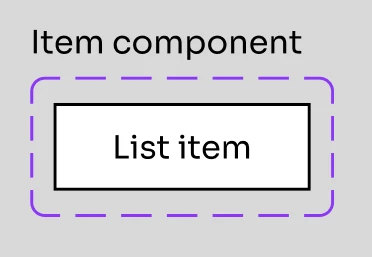
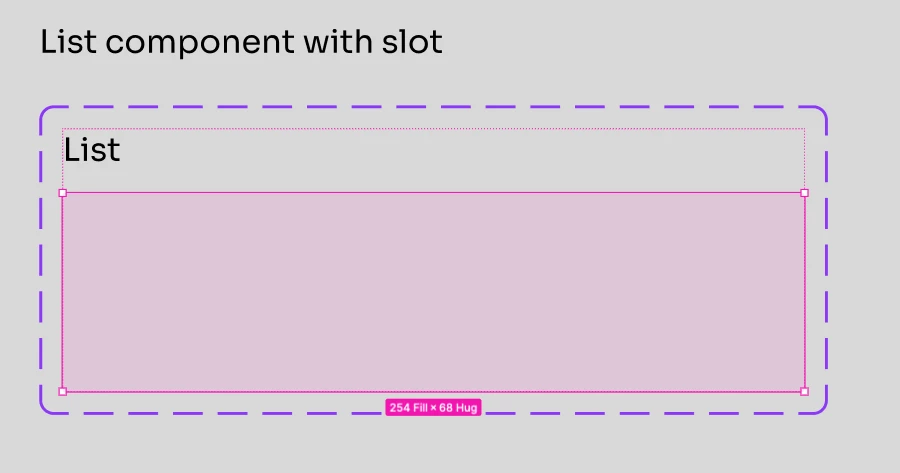
- Create list component with slot
- Create instance of list component and add list-items to slot
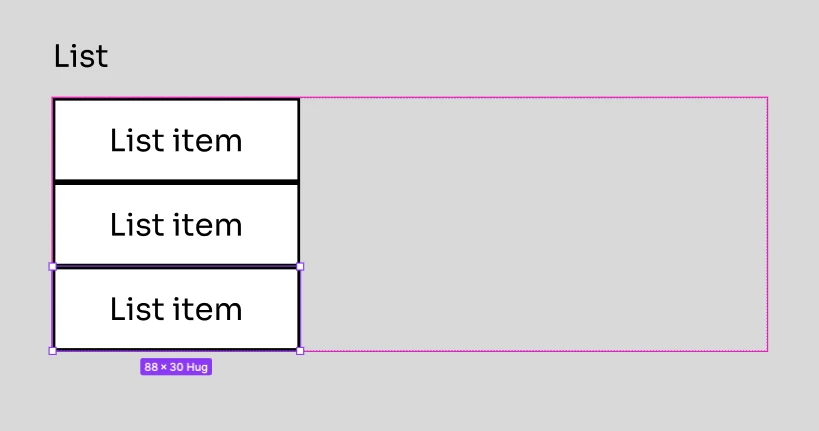
- Set width of list-items to fill
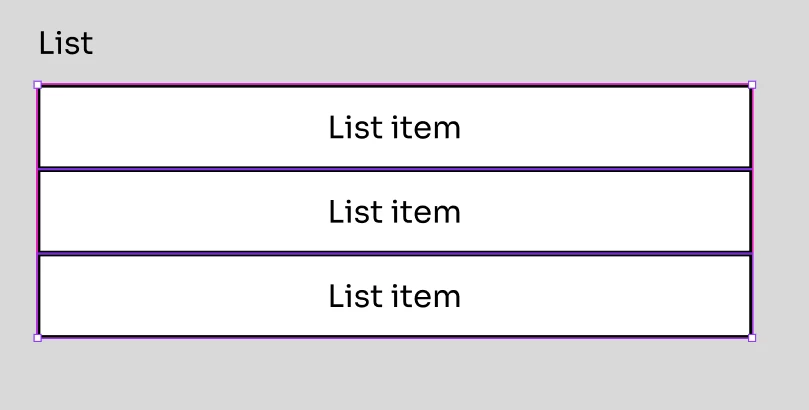
- Reload tab
- Set with of list-items to fixed
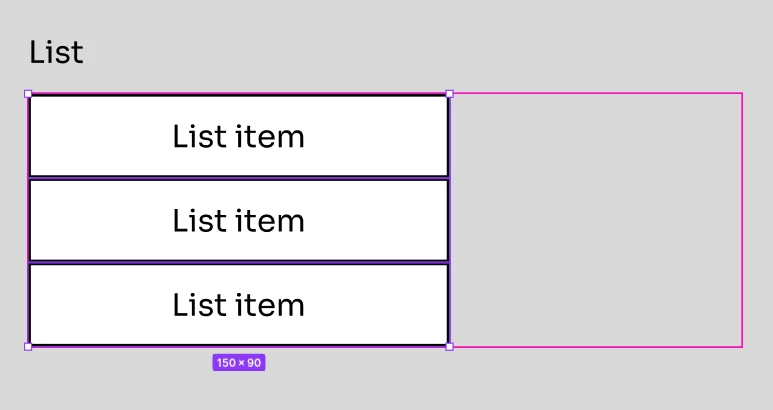
- Reload tab
- Click list-items and see them snap back to previous size (Note: Previous size was fill, but it snaps to a fixed value matching to original fill)
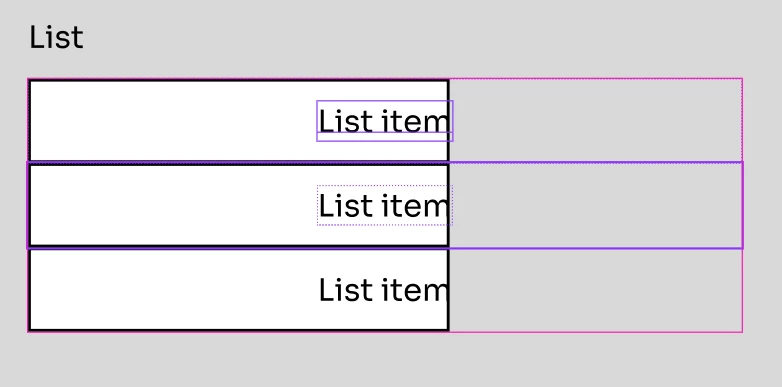
Some additional notes:
-
Duplicating the broken instance fixes the layout.
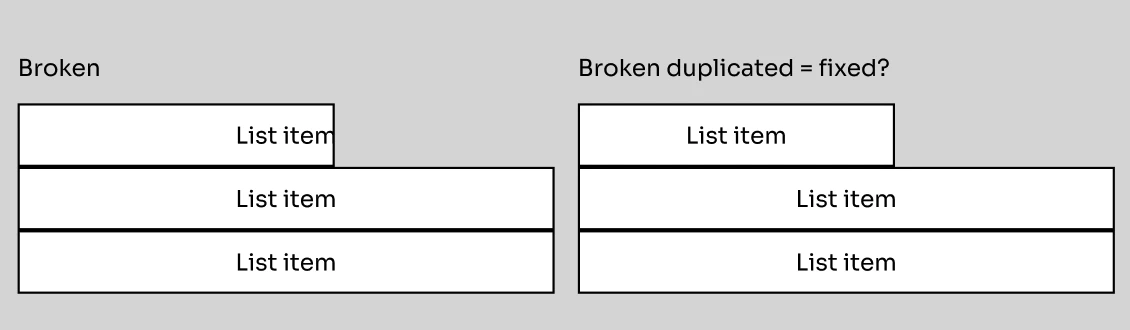
- But reloading the tab and clicking breaks it again.
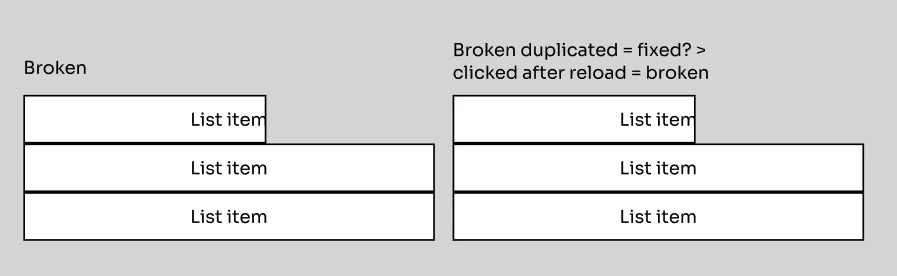
- But reloading the tab and clicking breaks it again.
-
It seems that a workaround for now is to simply avoid using pre-filled slots and manually add components with fixed widths, avoiding setting them to fill/hug if that is not your goal for the design.
I've attached a screen recording of the issue as well.